All your cards, organized
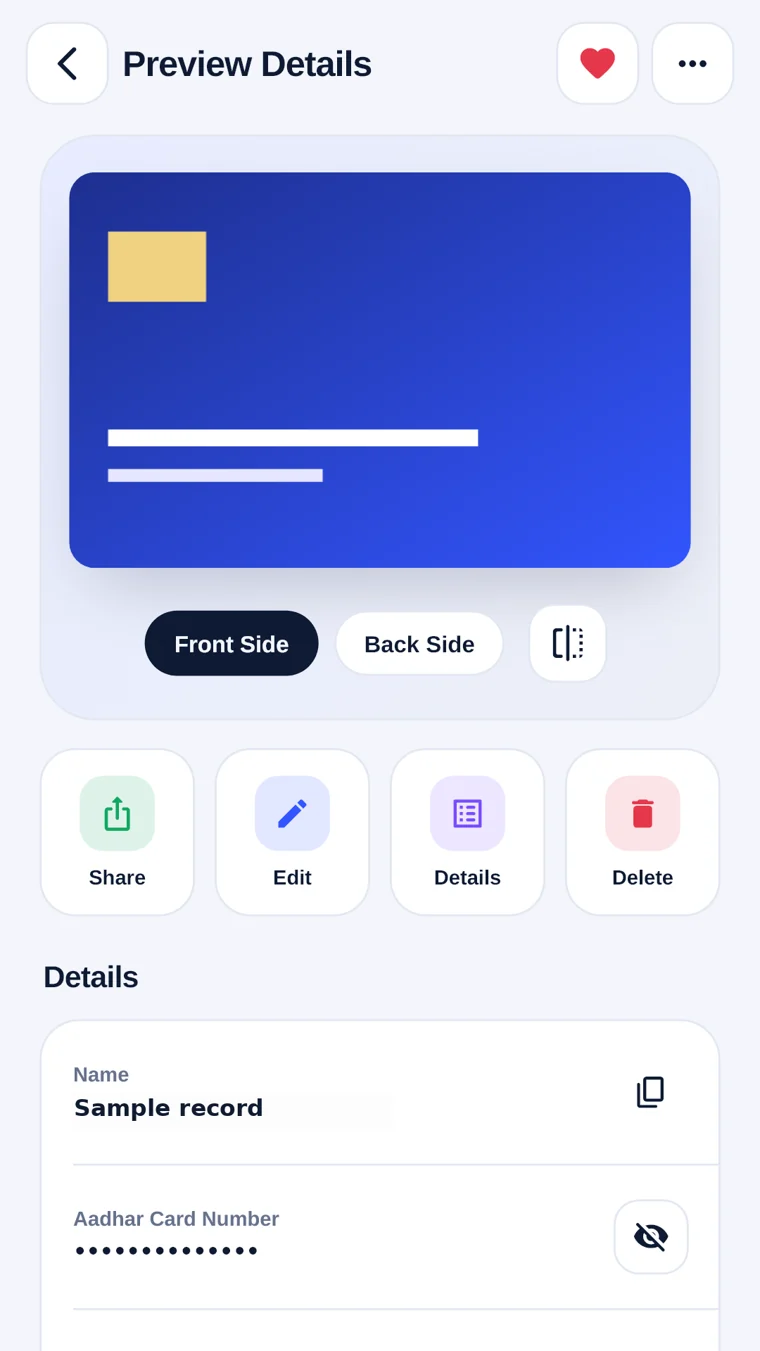
Group personal, membership, identity and other card records in dedicated categories.
Scan, save and find your cards, documents and private files — all in one beautifully organized Android app.
Everything you need to keep important records close, without a cluttered wallet or scattered files.
Group personal, membership, identity and other card records in dedicated categories.
Capture cards and use on-device OCR to reduce manual typing. Review results before saving.
Search by name or details and filter records with photos or PDFs.
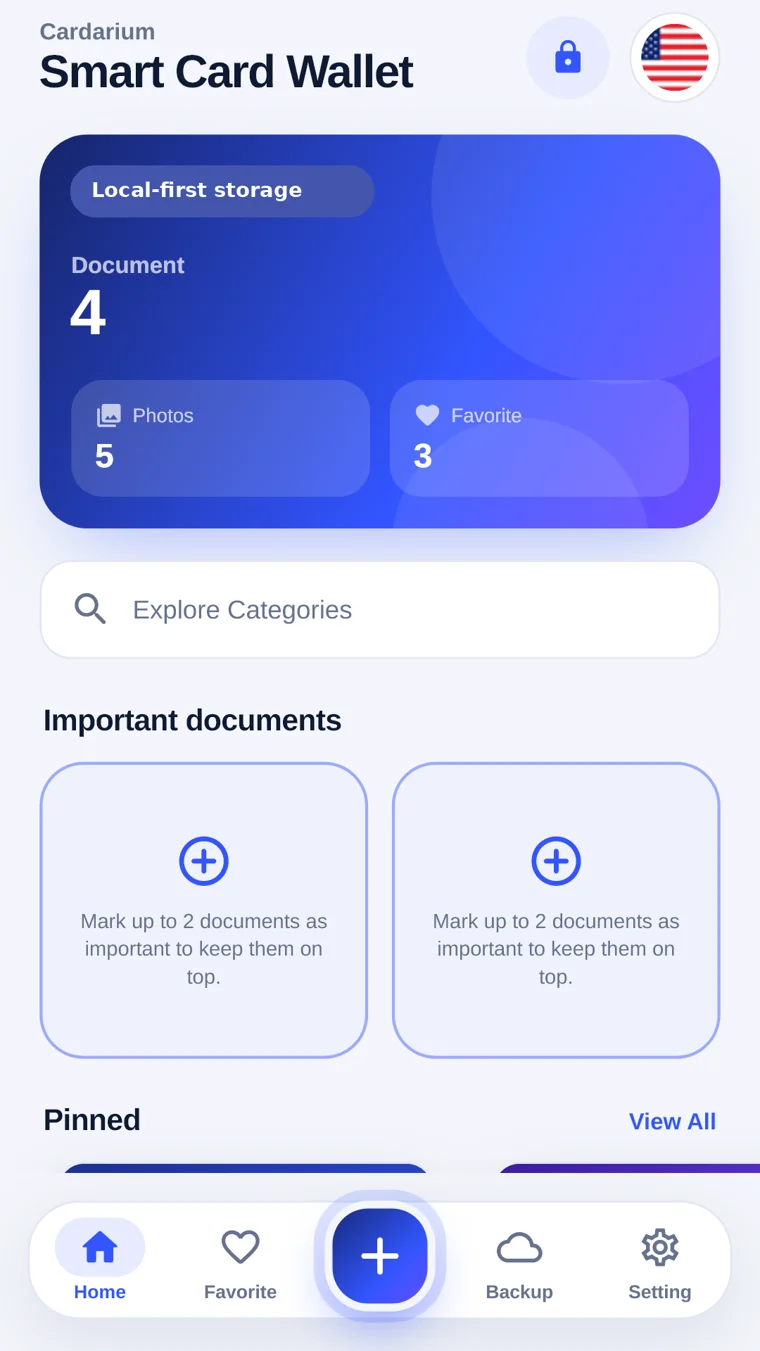
Keep frequently used cards and up to two important documents within easy reach.
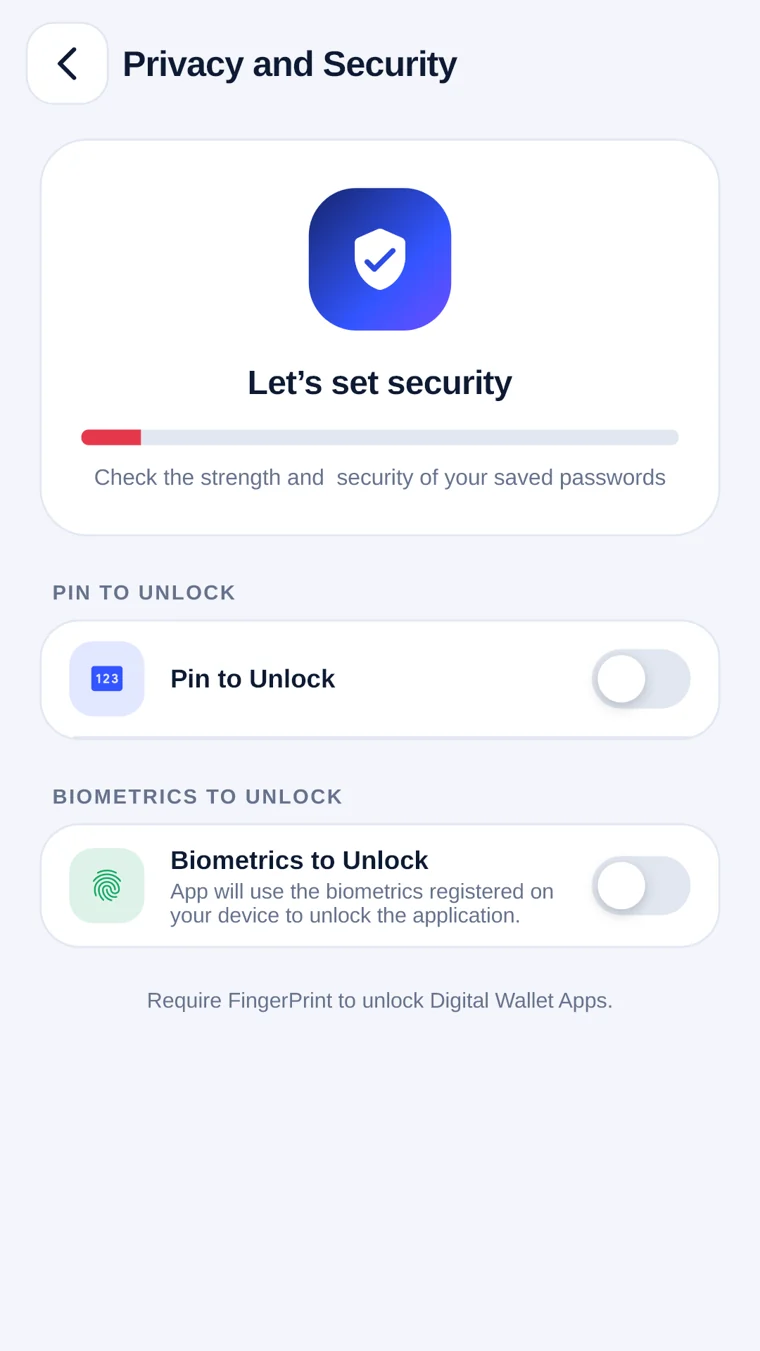
Store supported private files with added encryption and configure app access protection.
Back up eligible content to your own Google Drive and restore with the required credentials.
View card fronts and backs, add supported photos and PDFs, and share or export when needed.
Choose PIN or supported Android biometric authentication for app access.
Choose your language, theme and date format, and explore country-relevant categories.
Explore the actual app screens. Select an image to view it larger.
Illustrative records and masked identifiers are used in these screenshots.
Keep everyday records on your device. Use Private Vault for supported files that need an extra layer of protection.
Standard records are not separately encrypted by the app. No security system can guarantee absolute protection.
Read our Privacy Policy →No. Cardarium organizes card and document records. It is not a bank, payment service or official identity wallet.
Not for core local features. A Google account is needed only if you choose to use Google Drive backup and restore.
Private Vault uses additional encryption. Standard cards and documents are stored in app-private storage without separate app-level encryption.
An encrypted Vault backup may be permanently inaccessible without its original password. If your original device and files are still accessible, create a new verified backup.
Core local organization features are available without a cloud account. Backup, ads and other connected services require internet access.
Delete local records in the app, separately delete Drive backups and revoke access if desired. See the Data Deletion page for details.
Scan. Save. Find. With Cardarium.